

Project Overview
Back to the code editor. This time, my goal was to translate the design that the designer himself, Mr John Vanilla, had created in Figma, directly into the browser. His previous website was built on WordPress but needed a radical visual overhaul. However, since he was already familiar with the WordPress dashboard and felt comfortable using it, he asked to keep it for easily managing his projects and content.
Taking his requests into account, and given that the performance of the previous site was lacking (it was built with visual page builders), I proposed continuing with WordPress but decoupled: I would develop the Frontend in Astro. I explained the drastic improvement this would bring to his site’s performance and SEO. He could continue using WordPress as a CMS to upload his content, and my Frontend would consume that data via the WordPress API.

Initial Decisions
With the premise clear and the design and color palette settled, my main task was defining the tech stack. Combining Headless WordPress with Astro is undoubtedly a winning bet to get the best of both worlds: a robust Backend with PHP and MySQL (admin panel, user management, etc.) and the flexibility of creating bespoke content served at static speeds.
I configured a custom WordPress theme tailored for the user, stripping away everything unnecessary from the base installation to ensure optimal performance. I hosted the Backend on Hostinger and deployed the Frontend on Netlify to leverage its global CDN network.
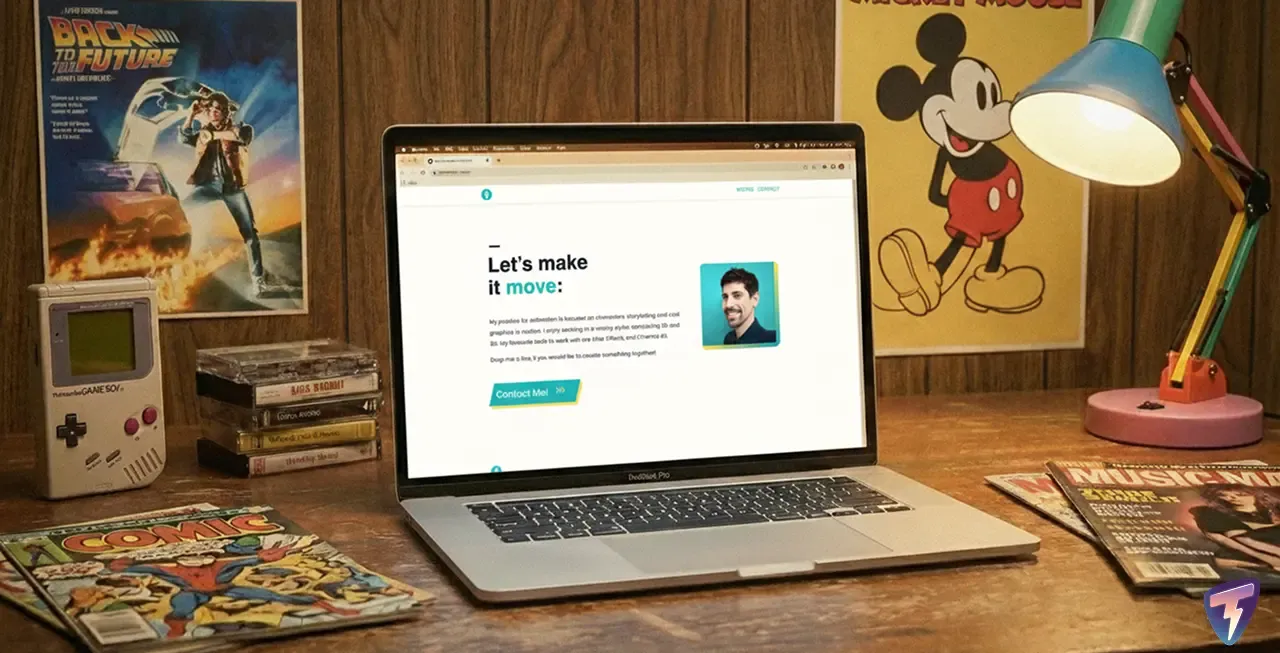
Working on the Design
The great thing about collaborating with a designer is the clarity of the final goal. I agreed with him to use Figma as our common canvas: he took charge of designing the wireframes and final art for both mobile and desktop versions.
While he finished the design, I prepared the visual architecture of the code. I defined all variables in the CSS, betting once again on Vanilla CSS. I prepared a custom reset and organized global variables to avoid code repetition, also creating reusable components for the different sections.
Technical Challenges & Backend Development
Although the project stands out visually for its minimalism, under the hood I implemented precise data engineering. To avoid depending on the theme for business logic and to follow WordPress development best practices, I developed a custom plugin (CPT Projects) responsible for registering data structures and correctly exposing them to the API.

1. Custom Post Types & ACF
The client needed to manage a portfolio, not just blog posts. In my custom plugin, I created a function to register his projects as a new content type, allowing for total scalability without relying on heavy visual builders.
function register_custom_post_types() {
    $projects_args = array(
        'labels'             => array(
            'name'          => 'Projects',
            'singular_name' => 'Project',
            'menu_name'     => 'Projects',
        ),
        'public'             => false,
        'publicly_queryable' => false,
        'show_ui'            => true,
        'show_in_rest'       => true,
        'menu_icon'          => 'dashicons-portfolio',
        'supports'           => array('title', 'editor', 'thumbnail', 'custom-fields'),
    );

    register_post_type('projects', $projects_args);
}
add_action('init', 'register_custom_post_types');
For content management, I integrated Advanced Custom Fields (ACF). This allows every text, image, and link in the design to be editable by the user from the panel, while strictly maintaining the frontend design structure.
2. Advanced Security & Endpoints
When exposing an API, security is critical. I implemented rules to block access to sensitive endpoints that WordPress exposes by default, such as user enumeration at /wp-json/wp/v2/users.
Furthermore, I protected administrative access by changing default routes like wp-admin or wp-login.php to a custom, completely private URL. Although the attack surface is minimal due to the frontend being static, this implementation demonstrates a deep understanding of how the WordPress core works and its native vulnerabilities, ensuring the CMS remains invisible to bots and automated attackers.

3. Deployment Strategy: Webhooks & Netlify
One of the biggest challenges with static websites is updating content. To avoid manually rebuilding the site or making constant API calls (which would affect performance), I implemented a “Builds on Demand” strategy.
I configured a Webhook in WordPress that communicates with Netlify only when a project is published or updated. This way, the site remains 100% static and optimized, and I only consume build resources when strictly necessary.
Results
The migration to Astro + Headless WordPress has been a resounding success. In addition to professionalizing his presence with corporate emails and a pixel-perfect design, the performance metrics validate my technical decision:
- Mobile: Went from a score of 60 to 95/100 in Lighthouse.
- Desktop: Improved from 78 to 100/100.
The result is a visually striking, secure, and extremely fast website that offers the client the comfort of WordPress with the modern power of Astro.